Free speech therapy data sheets to print
Two one-page sheets for taking data during sessions: one for a single student with up to three goals, and one for a group of five. Print as many as you need.
US Letter PDFs. No sign-up and no email address. Free to copy and share with your team.
What’s on each sheet
Both sheets fit on one page and print well in black and white.
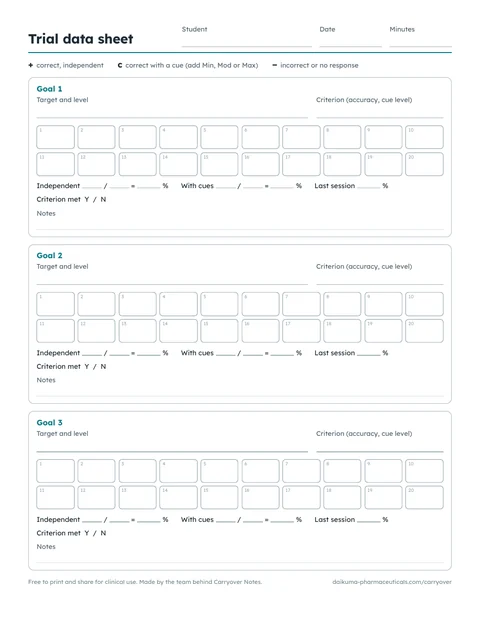
Trial data sheet
- One student per page, up to three goals
- Target, level and criterion for each goal
- 20 numbered trial boxes per goal
- Results: independent, with cues, last session, criterion met
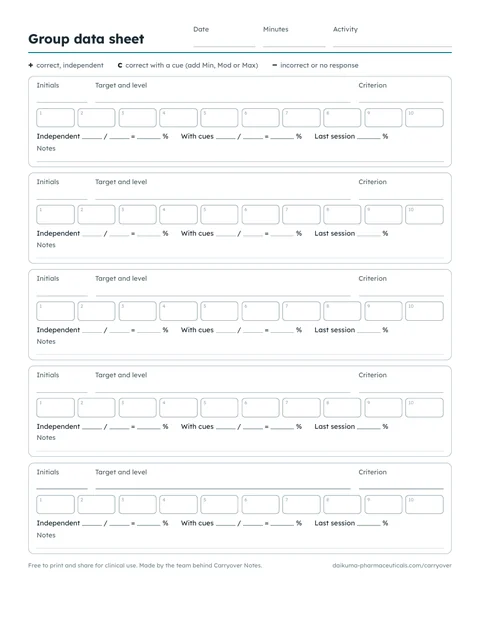
Group data sheet
- Five students, initials only
- 10 numbered trial boxes each
- Results and a notes line per student
In a big group, one way to keep it manageable is full data on one or two students each session and a short probe for the rest, rotating so everyone gets a full count regularly.
Get the group data sheet (PDF)The three marks
The sheets use three marks, which cover most articulation, vocabulary and grammar goals.
Correct, on their ownNo help of any kind.
Correct after a cueIf the goal names a cue level, write Min, Mod or Max beside it.
Incorrect or no responseIncluding turns where the student doesn’t try.
Cue levels
When a goal names a cue level, write it beside the c. The table shows one common way to define the levels; if your team uses different words, write yours on the sheet.
And if your district already has its own codes for any of this, use those. The boxes work with any marks.
| Level | What it can look like |
|---|---|
| Independent | Correct with no help |
| Minimal | A visual reminder, a gesture, or “check your sound” |
| Moderate | A phonemic cue, a choice of two, or a partial model |
| Maximal | A full model, or a tactile cue |
Using it in a session
Before
Copy the target, level and criterion from the IEP goal into the goal box, for example “/r/ initial, words” and “80% with minimal cues”. With the criterion written at the top, every session counts the same thing.
During
One mark per trial. The small number in each box shows how many trials you’ve done, so there’s nothing to keep count of in your head. You don’t need to fill all twenty.
Right after
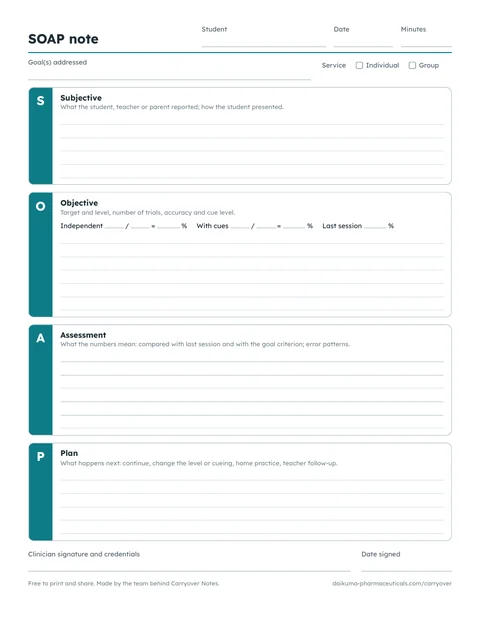
Count the marks and fill in the results line, with last session’s number beside today’s. That line covers most of the Objective and Assessment of your note.
Working out the percentage
Accuracy is the number of correct answers divided by the number of trials, times 100. When a goal allows cues, it helps to keep two numbers: independent, counting only the + marks, and with cues, counting the + and c marks together.
Writing the trial count beside the percentage makes the number easier to trust later. With 5 trials, one answer moves the result by 20 points; with 20 trials, by 5.
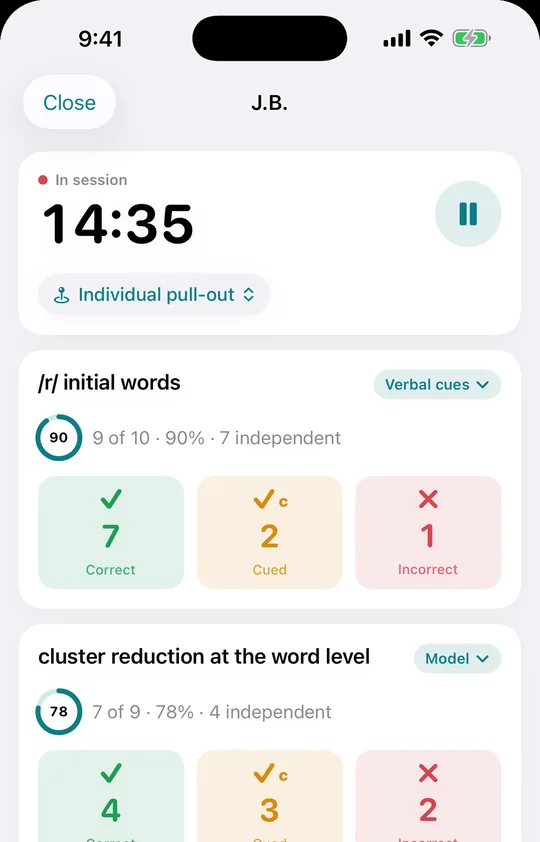
We make Carryover Notes, an iPhone app. The sheets are free either way.
If you’d rather tap than tick
Carryover Notes is this sheet on your iPhone: one tap per trial, a cue level for each goal, and the percentages and last session’s numbers worked out for you. Afterward, you dictate for about 30 seconds and get a SOAP or DAP note to check and sign.
- Student data stays on the phone. No account, nothing uploaded.
- Free for tallies, dictation and notes you write yourself, plus 10 AI note drafts a month.
- Needs an iPhone with Apple Intelligence (iPhone 15 Pro or later).